For coaching centres
Batches, fees and tests — without the spreadsheet juggling
Organise students into batches, collect installments online, run quick online tests and keep parents informed — from one simple platform.
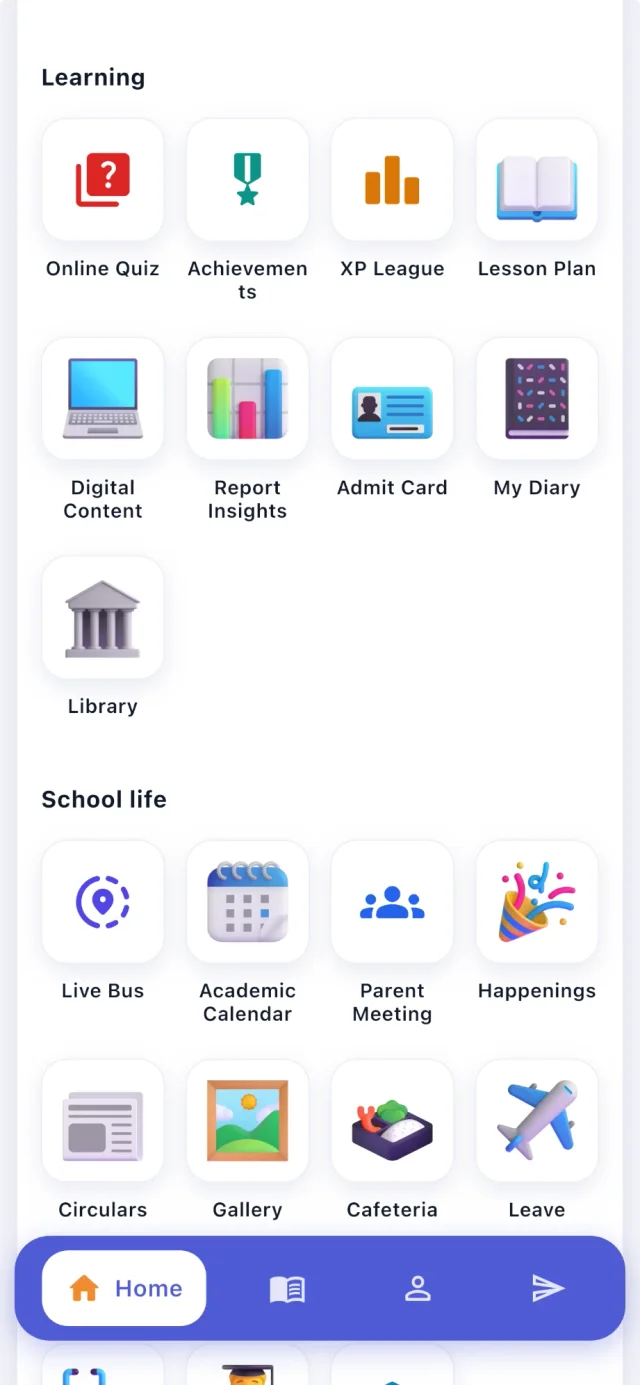
From → to
The problems we hear most — and what changes
Today
Installment fees are tracked in a notebook and follow-ups are manual.
With CampusConnect
Installments, fines and dues with reminders by SMS, email and push — and online payment.
Today
Setting and checking weekly tests eats into teaching time.
With CampusConnect
Online quizzes with automatic marking, instant feedback and leaderboards — or ready-made sets for classes 1–12.
Today
Parents only hear about progress at the end of the term.
With CampusConnect
Attendance, test results and notices in the parent app.
Today
Batch timings change and students miss the update.
With CampusConnect
Timetables and notices that reach every student's phone.
See it
CampusConnect for Coaching centres, screen by screen
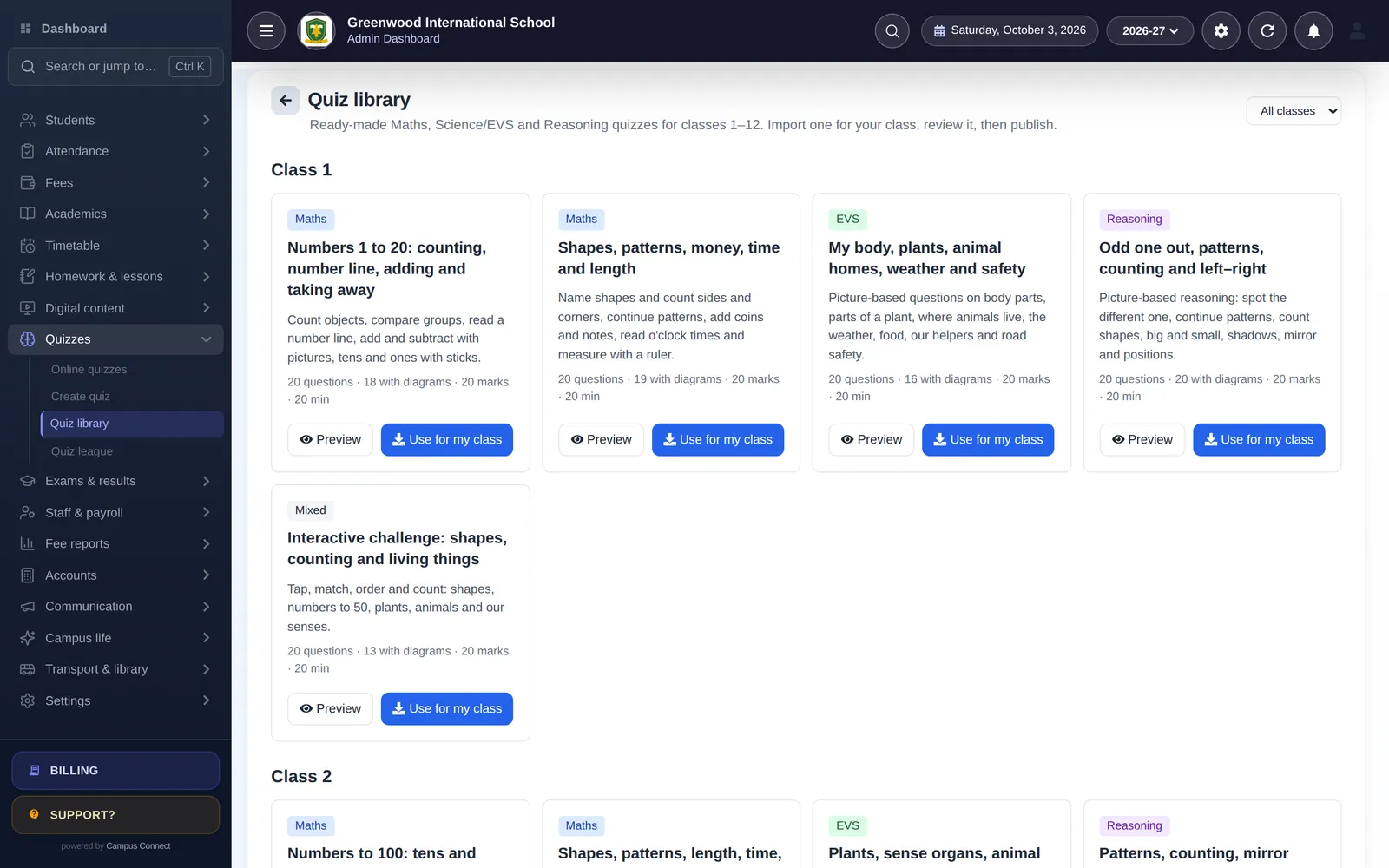
Weekly tests in minutes
Create a quiz or import a ready-made set, schedule it and let marking and leaderboards happen automatically.
- Five interactive question types
- Open and close times
- Results per quiz
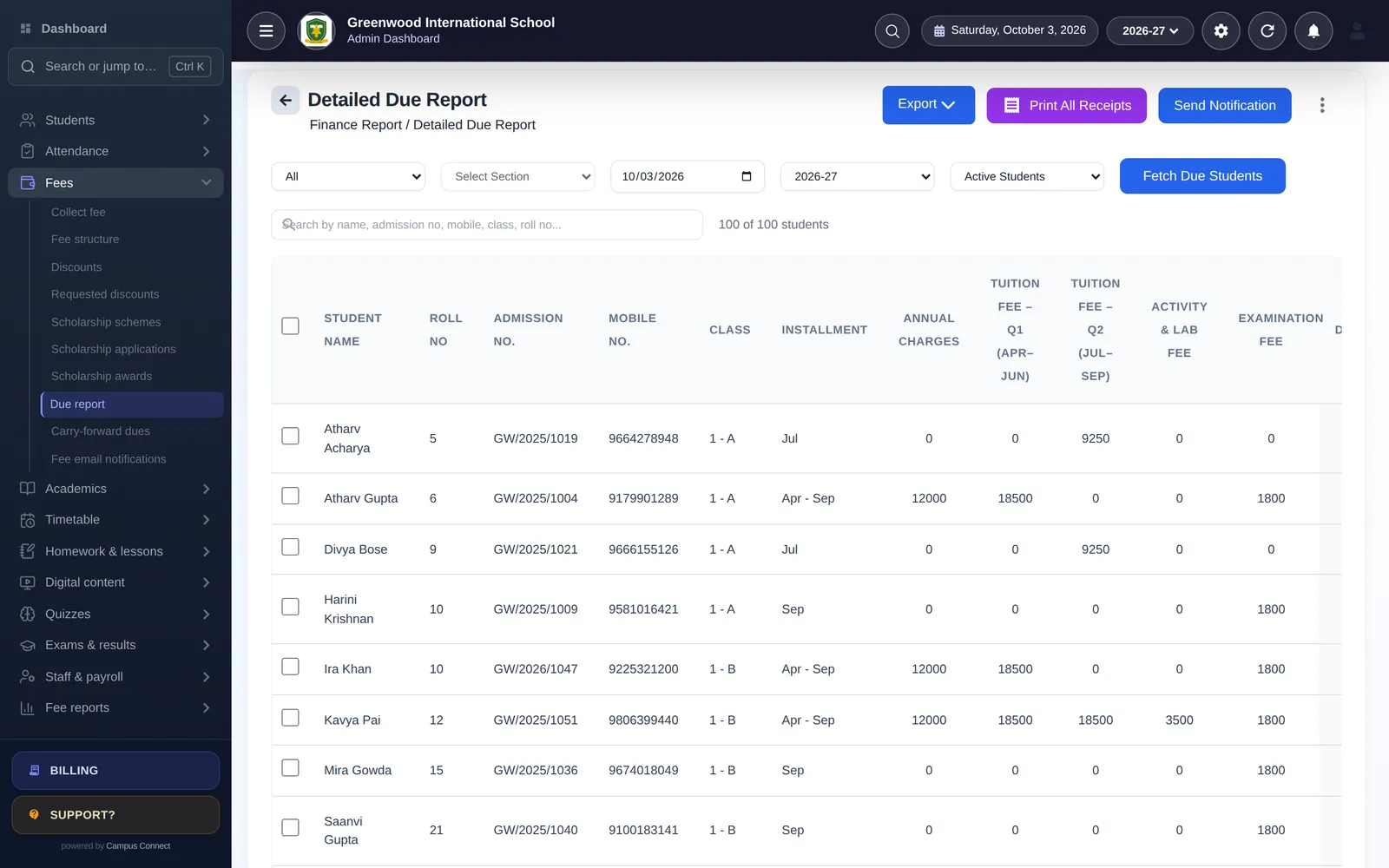
Installments that collect themselves
Set installments once, let parents pay online and see dues at a glance.
- Installments and fines
- Online payment
- Due reports and reminders
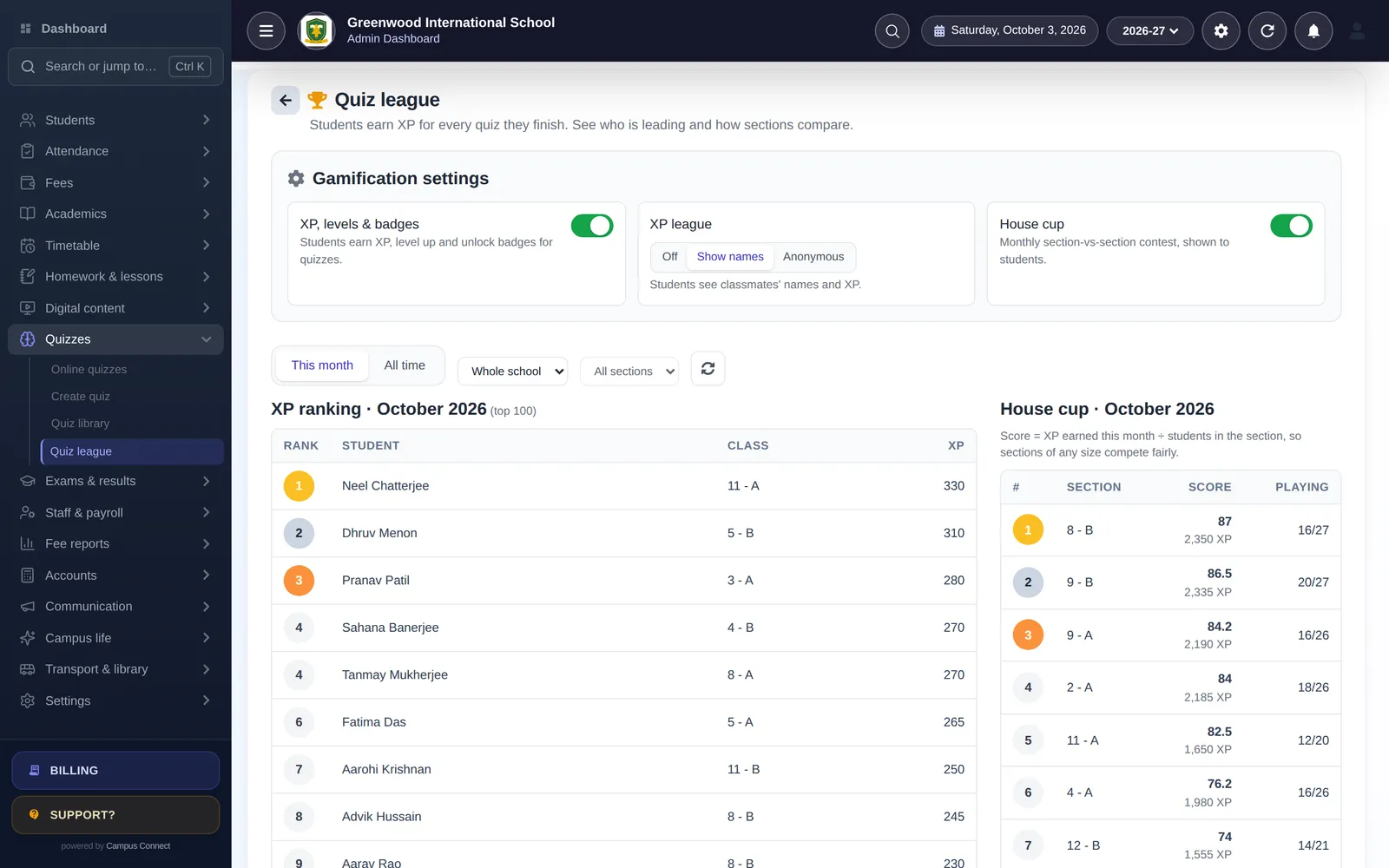
Healthy competition between batches
XP, badges, streaks and a league keep students practising between classes.
- XP and levels
- 18 badges and streaks
- Class league
Modules
The modules that matter most here
- Fees & online paymentsFee structures, discounts, dues and online payment through the Easebuzz gateway.
- Receipts & fee reportsInstant receipts and collection, head-wise, concession and daybook reports.
- Attendance (incl. biometric)Mark a class in seconds, connect biometric/RFID devices and notify parents.
- Online quizzes60 ready-made, diagram-based quiz sets for classes 1–12 and interactive question types.
- GamificationXP, levels, badges, streaks, class league and the House Cup.
- Timetable & automatic generatorBuild periods and let the generator create a clash-free timetable.
- Notices, SMS & pushNotice board, circulars, bulk SMS, email and push notifications.
- Digital contentShare notes, videos and documents class-wise.
By role
What changes for each person
Owner
- Fees and dues at a glance
- Batch-wise attendance
- Your logo on the app login
Faculty
- Tests with automatic marking
- Attendance from the phone
- Study material shared by batch
Students
- Practice tests with instant feedback
- XP, badges and league
- Timetable and notices
Parents
- Pay installments online
- See attendance and results
- Get notices on the phone
Implementation
How you go live
A typical plan for one institution starting with the core modules.
Week 0
Kick-off
Demo, scope and a go-live date. We agree which modules you start with and who does what.
Days 1–3
School setup
School code, logo, session, classes, subjects, staff roles and fee structures — configured with you.
Days 3–7
Data migration
Students, staff, fee masters, fee records and pending dues imported from Excel and checked together.
Days 7–10
Training
Short, role-wise sessions for the office, accountants and teachers — on the web app and the staff app.
Days 10–14
Go live
Parents download the app, online payments are switched on, and we stay close through the first fee cycle.
Security & trust
Built to protect children's and families' data
Schools trust us with sensitive records. Here is how the platform protects them — described plainly, and only what we can show in our code.
Visit the trust centreRole-based access
Admins, staff, students, parents and drivers each see only what their role allows.
Each school's data kept separate
Requests are scoped to the caller's school — covered by automated tests.
Encrypted in transit
HTTPS everywhere; passwords stored only as bcrypt hashes.
Login protection
OTP sign-in and limits on failed login and OTP attempts.
Audit log
Important actions recorded with who, when and from where.
Privacy by design
No ads, no data selling. Designed with India's DPDP Act in mind.

We use batches, not classes. Does that work?
Yes. Use classes and sections as courses and batches, and rename the labels to match how your centre speaks.
Can we run our own tests, not just the ready-made ones?
Yes. Teachers create quizzes with multiple-choice, tap-on-diagram, match-pairs, ordering and number-answer questions, or start from the library and edit.
Is there an app for students and parents?
Yes, the CampusConnect app on Android and iOS — free for your students and their parents.
Other solutions
Get started
Run your coaching centre on CampusConnect
We'll show you batches, installment fees and online tests set up for a centre like yours.
- Personalised demo, at a time that suits you
- Help importing your data from Excel
- Training for admins, accountants and teachers
- +91 95382 22239WhatsApp support