Onboarding & data migration
A guided switch, without stopping the school
We set up your institution, move your data from Excel, train your team and stay close through the first fee cycle.
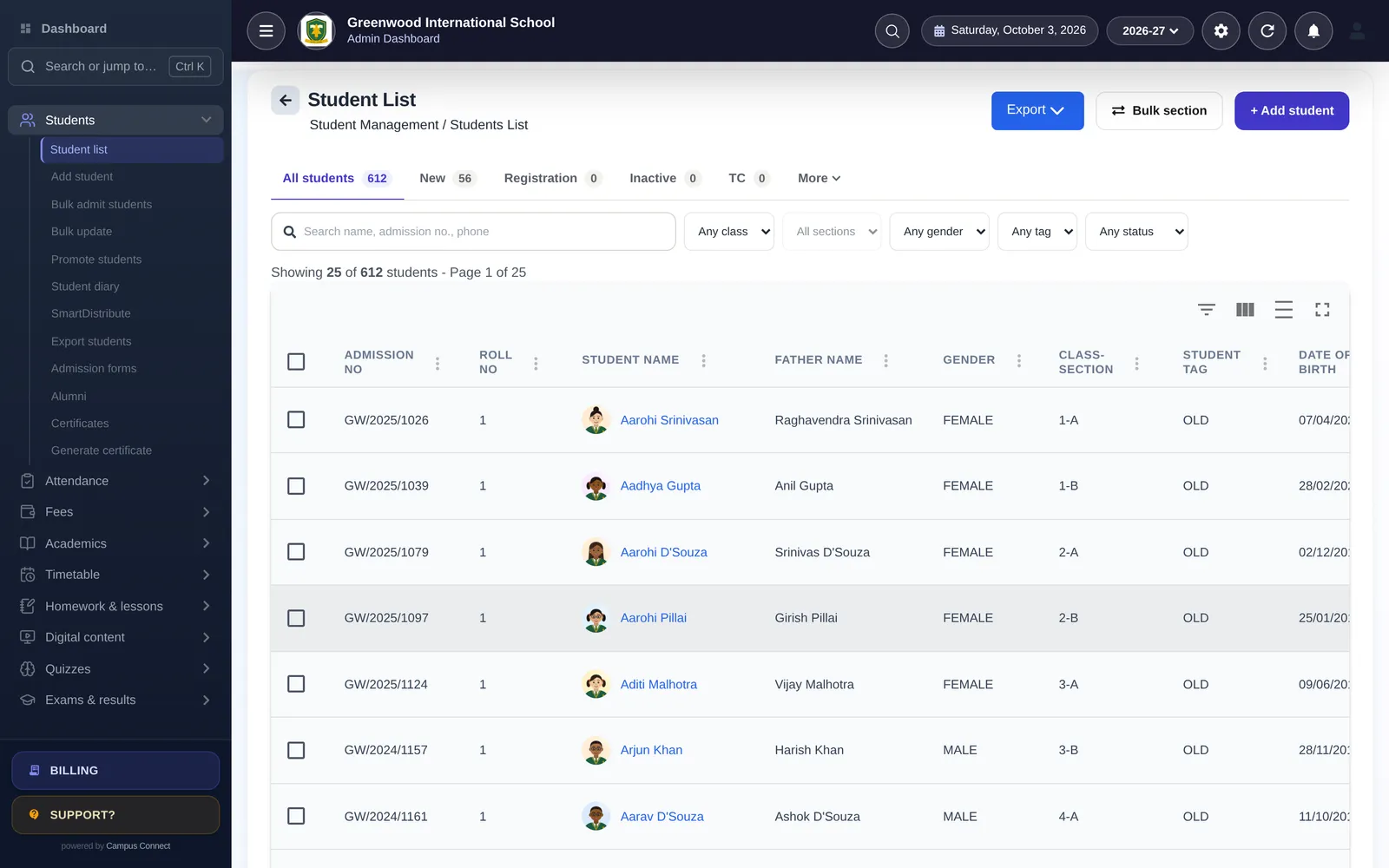
Implementation timeline
A typical plan for one school
Starting with students, attendance and fees. Larger groups and more modules are phased — we'll agree the plan with you.
Week 0
Kick-off
Demo, scope and a go-live date. We agree which modules you start with and who does what.
Days 1–3
School setup
School code, logo, session, classes, subjects, staff roles and fee structures — configured with you.
Days 3–7
Data migration
Students, staff, fee masters, fee records and pending dues imported from Excel and checked together.
Days 7–10
Training
Short, role-wise sessions for the office, accountants and teachers — on the web app and the staff app.
Days 10–14
Go live
Parents download the app, online payments are switched on, and we stay close through the first fee cycle.
Data migration
What we move from Excel
Using the import tools built into CampusConnect — so you can re-run them yourself later.
Students
Bulk-admit from Excel, then bulk-update details like sections, tags or contact numbers.
Students → Bulk admit students / Bulk update
Fee master
Each student's fee heads and amounts carried over from your previous system.
Fees → Import fee master
Fee records
Payments already received this session, so receipts and reports start complete.
Fees → Import fee records
Pending dues
Previous-session dues to collect, kept separate from the current session's fees.
Fees → Import due records
Staff
Teaching and non-teaching staff with their roles, ready for attendance and payroll.
Staff & payroll → Staff
Transport
Vehicles, drivers, routes and stops, and which students travel on each route.
Transport & library
Before kick-off
What we'll need from you
Excel or Google Sheets is fine. Don't worry about format — we'll map it together.
- School logo, address and the academic session you're starting with
- Classes and sections (or streams and years)
- Student list with admission numbers, class, section and a parent mobile number
- Fee structure: heads, amounts, installments and due dates
- Fees already paid this session and any pending dues
- Staff list with roles
- Online payment gateway account (Easebuzz) if you want online fees from day one
- Who will be trained: office, accounts, teachers, transport
Support
Support after go-live
Reach the team the way that suits you. We'll agree response expectations with you as part of your plan.
WhatsApp support
Message our support team with questions or screenshots.
Phone
Talk to us when something is urgent or easier to explain by voice.
Email
For detailed requests, data files and anything that needs a paper trail.
In-app support tickets
School admins can raise and track support tickets from inside the web app.
Onboarding questions
Do we have to clean our Excel files first?
No need to be perfect. Share what you have; we'll map it to the import templates with you and flag rows that need attention before anything goes live.
Can we import mid-session?
Yes. Import the fees already received and the pending dues, and CampusConnect picks up from there.
What happens to our old system?
Keep it read-only for reference until you're comfortable. Most schools stop using it after the first fee cycle on CampusConnect.
How do parents get started?
Share the app links and your school code. Parents sign in with the details you give them, or with their registered mobile number and a one-time code.
Get started
Plan your go-live with us
Get a free, personalised demo. We'll show you the modules that matter to you and plan a smooth switch with your team.
- Personalised demo, at a time that suits you
- Help importing your data from Excel
- Training for admins, accountants and teachers
- +91 95382 22239WhatsApp support