For colleges
Built for streams, years and section-wise fees
Rename classes and sections to match how your college works, price each section separately, and give students the same convenient app schools use.
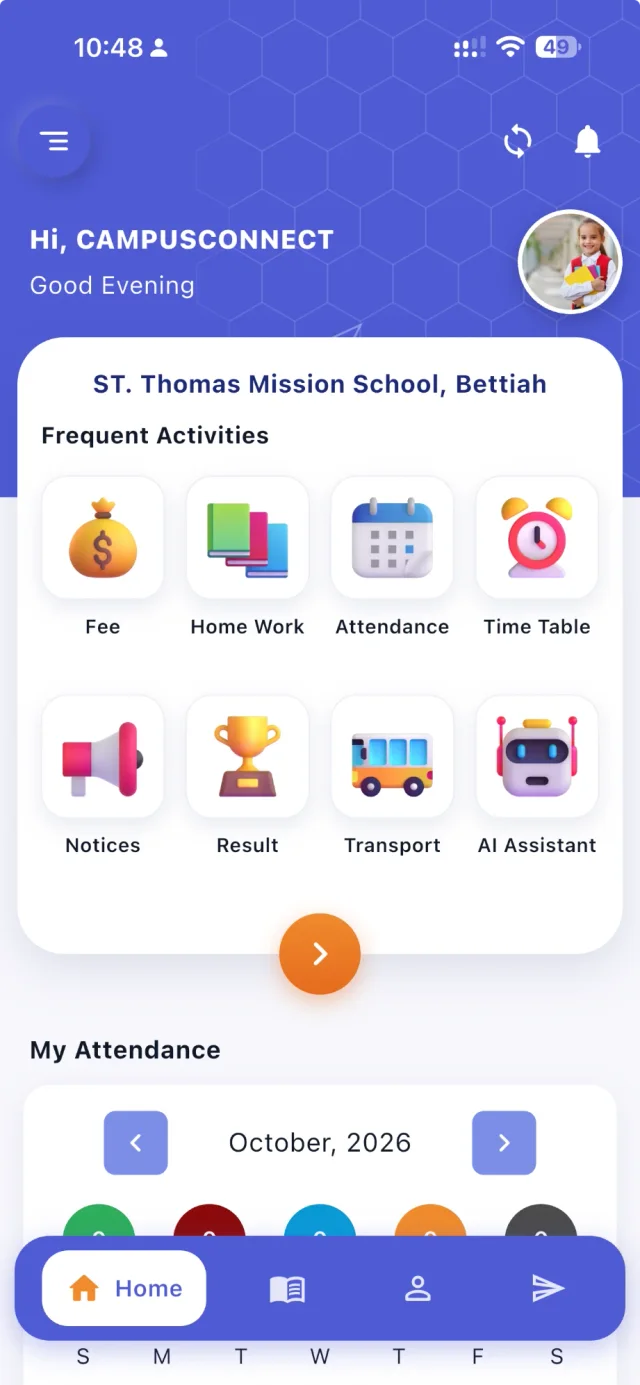
From → to
The problems we hear most — and what changes
Today
School software speaks of “Class” and “Section”, which doesn't match streams and years.
With CampusConnect
Per-institution terminology: call them Stream and Year (or anything you like) without changing the data.
Today
Fees differ by year or batch within the same stream.
With CampusConnect
Section-level fee structures, falling back to the class structure where none is set.
Today
Students miss notices and fee deadlines posted on a board.
With CampusConnect
Notices, push notifications, fees and receipts in the student app.
Today
Admissions season means piles of forms and re-typing.
With CampusConnect
Online admission forms and bulk admission from Excel.
See it
CampusConnect for Colleges, screen by screen
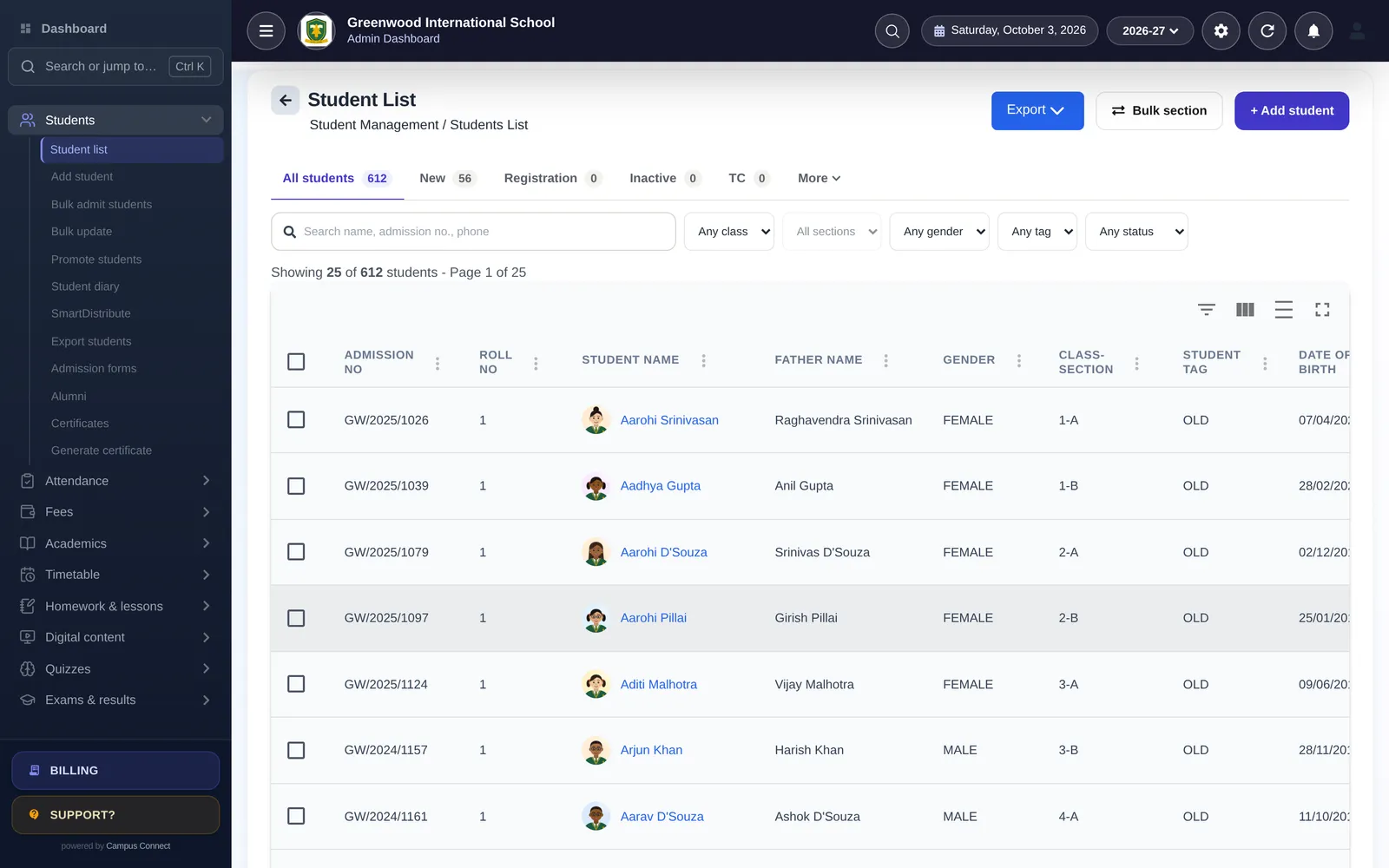
Every student, by stream and year
Student lists, filters, tags, bulk updates and exports — labelled the way your college speaks.
- Custom class/section labels
- Bulk admit and update
- Certificates and alumni
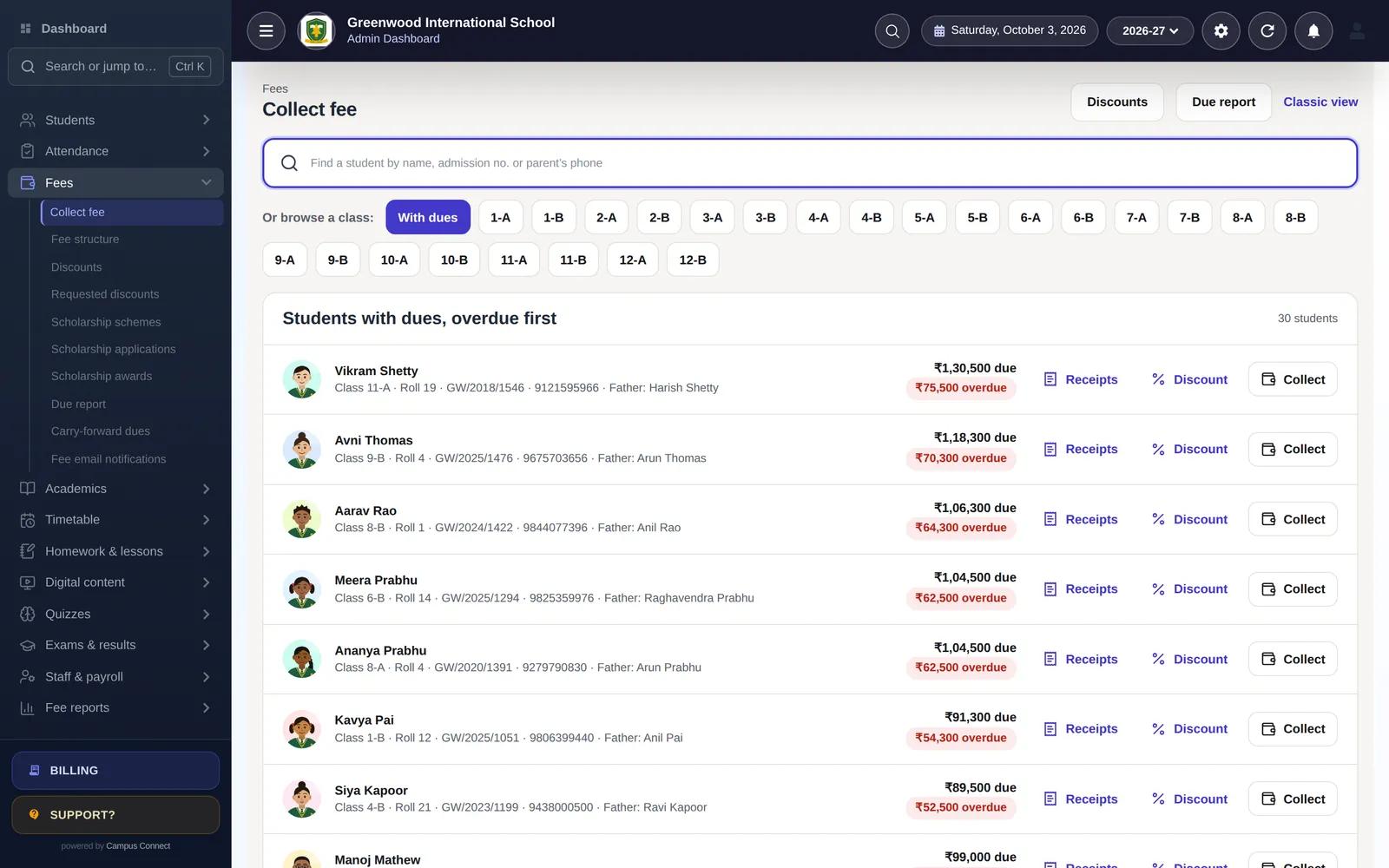
Section-wise fee structures
Price 1st Year and 2nd Year differently within a stream, collect online and track dues.
- Section-level pricing
- Online payment
- Due and collection reports
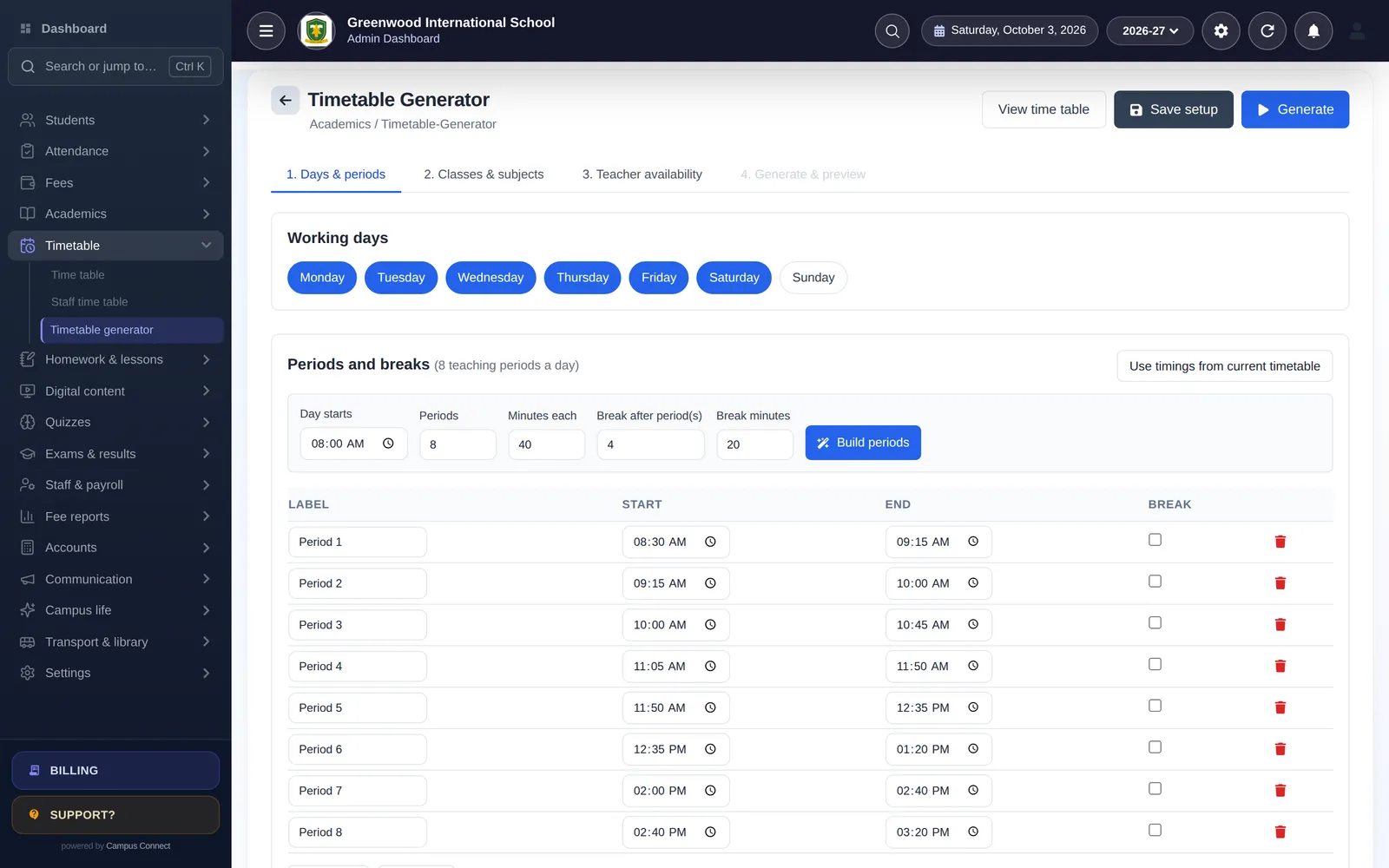
Timetables without clashes
Generate lecture timetables that respect faculty availability and per-day limits.
- Faculty availability
- Per-day limits
- Double periods never cross a break
Modules
The modules that matter most here
- Admissions & Student 360Online admission forms, bulk import and a complete profile for every student.
- Fees & online paymentsFee structures, discounts, dues and online payment through the Easebuzz gateway.
- Receipts & fee reportsInstant receipts and collection, head-wise, concession and daybook reports.
- AccountingChart of accounts, journals, trial balance, P&L and balance sheet.
- Attendance (incl. biometric)Mark a class in seconds, connect biometric/RFID devices and notify parents.
- Exams & report cardsExam heads, mark entry, results and printable report cards.
- Timetable & automatic generatorBuild periods and let the generator create a clash-free timetable.
- Notices, SMS & pushNotice board, circulars, bulk SMS, email and push notifications.
- LibraryBooks, members, issue and return.
- ScholarshipsPublish schemes, collect applications and award scholarships against fees.
By role
What changes for each person
Principal / director
- Dashboard of attendance, fees and admissions
- Audit log
- Session-wise records
Accounts office
- Section-wise fee structures
- Scholarship awards against fees
- Ledger and financial statements
Faculty
- Attendance and marks from the phone
- Timetable and leave
- Digital content for classes
Students
- Fees, receipts and results in the app
- Notices and timetable
- Library books issued
Implementation
How you go live
A typical plan for one institution starting with the core modules.
Week 0
Kick-off
Demo, scope and a go-live date. We agree which modules you start with and who does what.
Days 1–3
School setup
School code, logo, session, classes, subjects, staff roles and fee structures — configured with you.
Days 3–7
Data migration
Students, staff, fee masters, fee records and pending dues imported from Excel and checked together.
Days 7–10
Training
Short, role-wise sessions for the office, accountants and teachers — on the web app and the staff app.
Days 10–14
Go live
Parents download the app, online payments are switched on, and we stay close through the first fee cycle.
Security & trust
Built to protect children's and families' data
Schools trust us with sensitive records. Here is how the platform protects them — described plainly, and only what we can show in our code.
Visit the trust centreRole-based access
Admins, staff, students, parents and drivers each see only what their role allows.
Each school's data kept separate
Requests are scoped to the caller's school — covered by automated tests.
Encrypted in transit
HTTPS everywhere; passwords stored only as bcrypt hashes.
Login protection
OTP sign-in and limits on failed login and OTP attempts.
Audit log
Important actions recorded with who, when and from where.
Privacy by design
No ads, no data selling. Designed with India's DPDP Act in mind.

Can we rename Class and Section?
Yes. Each institution can set its own labels for the two academic levels — for example Stream and Year — without any change to how the data is stored.
Can fees differ by year within a stream?
Yes. Fee structures can be set per section, falling back to the class structure where none is set.
Do students get the mobile app?
Yes. Students sign in to the same CampusConnect app on Android and iOS with their college's code.
Other solutions
Get started
See CampusConnect configured for your college
We'll set up a sample with your streams, years and fee structure in the demo.
- Personalised demo, at a time that suits you
- Help importing your data from Excel
- Training for admins, accountants and teachers
- +91 95382 22239WhatsApp support