
Coaching and tuition centres run on tight margins and tight schedules. A typical centre juggles multiple batches across classes and subjects, fees in installments, weekly tests, faculty timetables and constant questions from parents — often with a very small administrative team. Many owners manage it all with a notebook, a spreadsheet and a phone full of WhatsApp groups.
This article covers the essentials of running a coaching centre efficiently, and where software helps.
Organise batches clearly
A batch is a group of students studying together — for example, “Class 10 Maths, evening batch” or “Class 12 Science, weekend”. Clear batch organisation is the foundation for everything else:
- Give each batch a consistent name.
- Record which students are in which batch, and which faculty member teaches it.
- Keep a timetable for each batch and each faculty member.
- Track batch capacity to know when to open a new one.
If your software is built for schools, you can usually use classes and sections as courses and batches — ideally with the option to rename the labels so they match how your centre speaks.
Fees in installments
Most coaching centres collect fees in installments. To keep this under control:
- Define the fee and installment schedule for each course at enrolment.
- Issue a receipt for every payment, immediately.
- Track dues by student and by batch.
- Send reminders before installments are due.
- Offer online payment, so parents can pay without visiting.
A clear due report each week tells you exactly whom to follow up with.
Tests that don’t eat teaching time
Regular tests are central to coaching — but setting and checking them takes faculty time away from teaching. Online tests help:
- Automatic marking for objective questions.
- Instant feedback for students.
- Results by question, showing which topics need revision.
- Leaderboards that many students find motivating (keep them positive).
A mix works well: online tests for regular practice, and written tests for longer answers and board-exam practice.
Attendance and discipline
Attendance matters to parents, who are paying for every class. Mark it for every batch, and let parents see it. Patterns of missed classes are an early warning that a student is losing interest or struggling.
Keeping parents informed
Parents of coaching students want to know three things: Is my child attending? How are they performing? What’s coming up? Monthly updates on attendance and test performance, timely notices about schedule changes, and an easy way to pay fees go a long way. An app gives parents this information without calls to the centre.
Study material
Share notes, worksheets and video links by batch and subject so students can revise at home. Keep material organised so students find it easily.
Growing to multiple branches
As a centre grows to several branches, consistency becomes the challenge: the same course structures, fee policies and reports across branches, while each branch keeps its own students and accounts. A platform that supports multiple branches — each with its own data — makes this manageable.
A weekly rhythm for a coaching centre
- Monday: publish the week’s timetable changes and any notices; check the due report.
- Midweek: online tests for each batch, with results reviewed by faculty the next day.
- Thursday: follow up with students who missed classes or tests.
- Saturday: batch-wise summaries for the owner — attendance, test performance and fees collected.
- Monthly: a short update to parents on attendance and test progress.
More questions
Can one student be in more than one batch? Many centres have students who attend, say, a Maths batch and a Science batch. Decide how you’ll represent this in your system — for example, through subjects within a class — and keep it consistent so attendance and fees stay clear.
How often should we test? Short weekly tests for practice and a longer monthly test work well for most centres. The weekly tests should be quick to set and mark; online quizzes with automatic marking make this realistic.
What should we tell parents each month? Attendance, test performance and anything coming up — schedule changes, holidays, fee due dates. A short, regular update builds more trust than occasional long reports.
When should we open a new batch? Track capacity per batch and per faculty member. When a batch consistently runs full and enquiries continue, a new batch is usually better than overcrowding the existing one.
Key takeaways
- Name batches consistently and track capacity per batch and faculty.
- Set installment schedules at enrolment and issue a receipt for every payment.
- Use online tests with automatic marking for weekly practice.
- Mark attendance for every batch and share it with parents.
- Send short monthly updates on attendance and test performance.
- Organise study material by batch and subject.
- Plan for consistency early if you expect to open more branches.
How CampusConnect helps
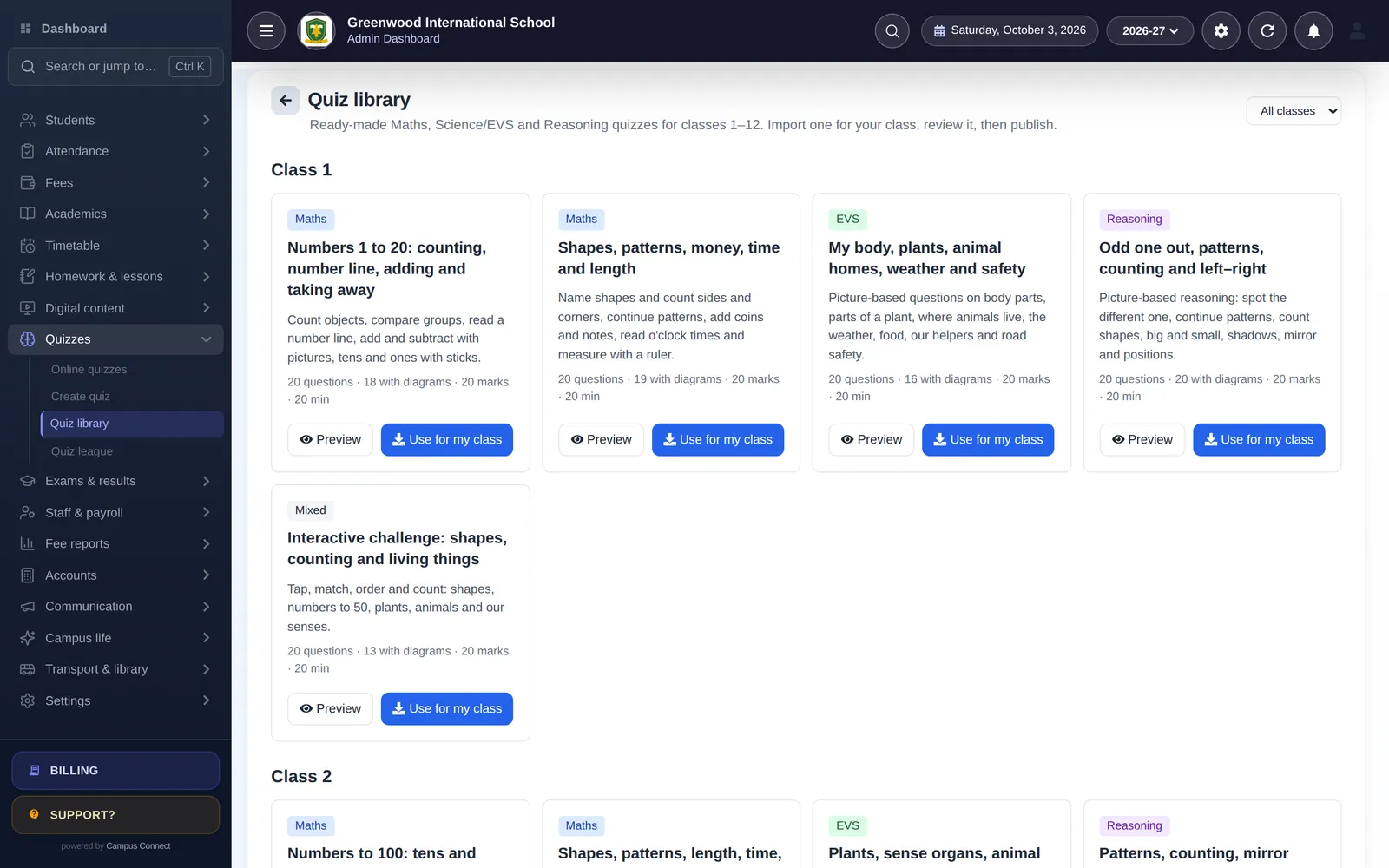
CampusConnect works for coaching centres as well as schools: classes and sections can be used as courses and batches, with labels renamed to match; fees support installments, fines and dues with reminders by SMS, email and push, plus online payment in the parent app; online quizzes support several question types with automatic marking and instant feedback, with a ready-made library for classes 1–12; and attendance, timetables, notices and digital content reach students and parents in the CampusConnect app. See CampusConnect for coaching centres.
Book a free demo to see it set up for a centre like yours.