
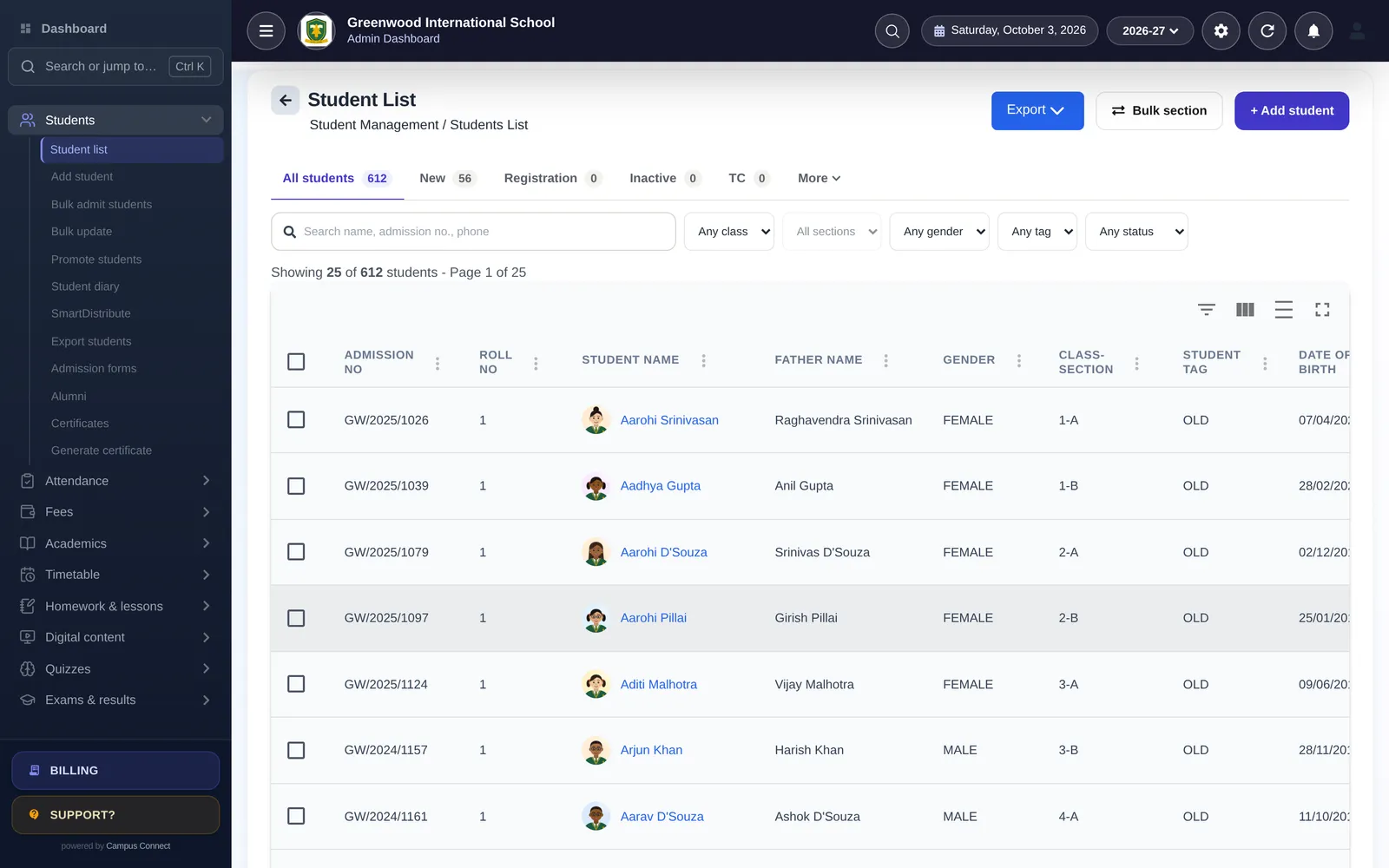
Think about everything a school knows about one student: their attendance, marks, homework, fee status, health notes, behaviour, activities, library books, bus route, scholarships, and the conversations teachers have had with their parents. In most schools, this information is spread across registers, spreadsheets, files and people’s memories.
The result: nobody sees the whole child. A “Student 360” — one complete, up-to-date record for each student — changes that.
The cost of scattered records
When information is scattered:
- A class teacher may not know a student’s fees are overdue because of a family crisis.
- The counsellor may not see that attendance dropped at the same time marks fell.
- The principal preparing for a parent meeting has to collect information from several people.
- The office retypes the same details into multiple registers — with mistakes.
- When a student leaves, it takes hours to compile their records for the transfer certificate.
What a Student 360 includes
A complete student record brings together:
- Profile — personal and family details, contacts, documents.
- Academic — class and section history, marks and report cards, homework completion.
- Attendance — daily records and leave history.
- Fees — structure, payments, receipts, dues, concessions and scholarships.
- Well-being — health records, behaviour and skills, counselling notes where appropriate.
- Activities — extra-curricular participation and achievements.
- Services — transport route, library books issued.
- Communication — diary notes and important interactions.
Why it matters
Better decisions about children. When a teacher can see attendance, marks and homework side by side, patterns appear: a student whose attendance dropped and whose homework stopped is likely struggling with something beyond the subject.
Better conversations with parents. At a parent–teacher meeting, a teacher with the full picture can talk about the child rather than about one subject.
Less admin. Details entered once at admission are used everywhere — for attendance lists, fee statements, report cards, certificates and the parent app.
Fewer errors. One record means one spelling of a name and one date of birth, used consistently in every document.
Continuity. When a class teacher changes, the new teacher inherits the full picture.
Access with care
A complete record is powerful, so access should be thoughtful. Not everyone needs to see everything: a subject teacher may need marks and attendance but not fee details; the accountant needs fees but not counselling notes. Role-based access and an audit log of important actions keep the record useful and safe.
Building it: practical steps
- Start with a clean core profile at admission — accurate names, dates of birth and contacts.
- Use one student ID (the admission number) everywhere.
- Connect modules so attendance, fees, exams and other records attach to the same student, rather than living in separate files.
- Promote, don’t recreate. Carry the same record forward each year, so history builds up.
- Keep it current. Make updating contacts and details part of the routine, for example at the start of each session.
The parent’s view
Parents benefit from the same idea. When their app shows attendance, homework, fees, results and notices in one place — rather than in separate messages and slips — they see their child’s school life as a whole, and can support them better.
An example
A class teacher notices in the Student 360 view that a usually punctual student has been late four times in two weeks, has missed two homework submissions, and that the family has an overdue fee — all of which used to be in separate registers. Instead of three separate reprimands from three different people, the teacher calls the parent once, learns that the family has moved house and the bus route no longer suits them, and asks the transport desk to reassign the student. A whole-child view turns scattered problems into one solvable one.
More questions
Who should be able to see the full profile? Usually the principal and a few senior staff. Others should see what their role needs — a subject teacher, for example, sees marks and attendance for their classes.
What happens to the record when a student leaves? It should be kept, marked as left, with the transfer certificate and history intact. The student can then be found in the alumni list if documents are needed later.
Does a Student 360 replace paper files? It replaces most day-to-day lookups. Some original documents may still need to be kept as your rules require, but the information in them should be captured in the record.
How do we keep contact details current? Ask families to confirm details at the start of each session and whenever they change, and make the update part of the routine rather than a one-off drive.
Key takeaways
- Capture accurate core details once, at admission.
- Use the admission number as the single ID everywhere.
- Connect modules so every record attaches to the same student.
- Promote students each year rather than creating new records.
- Control access by role and keep an audit trail.
- Give parents the same whole-child view in their app.
How CampusConnect helps
In CampusConnect, every student has a Student 360 profile that brings attendance, fees, results, homework, health and documents together, along with activities, the student diary and more. Teachers can look up Student 360 from the staff app, records carry forward with promotions each session, certificates are generated from the same data, and access is role-based with an audit log. Parents see their child’s information in one app.
Book a free demo to see Student 360.