
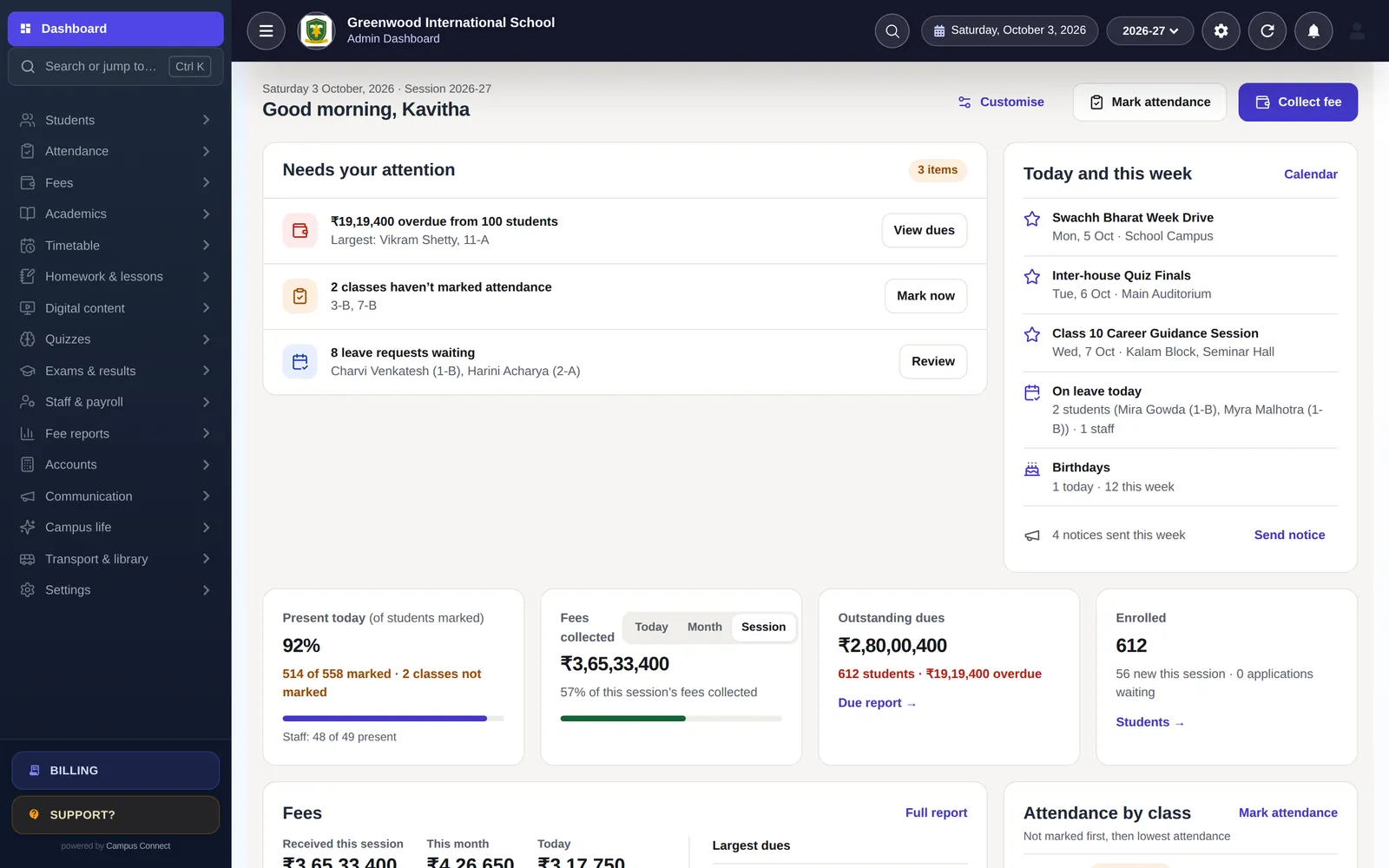
Choosing school management software — often called a school ERP — is a decision you’ll live with for years. The right system saves the office hours every day, keeps parents informed and gives management a clear picture of the school. The wrong one becomes a source of frustration that staff work around with spreadsheets and WhatsApp groups.
This guide sets out what to look for and the questions to ask, so you can compare options on what matters.
Start with your problems, not a feature list
Before looking at any software, list the problems you want to solve, in order of importance. For example:
- Fee collection takes too long and dues are hard to track.
- Parents call the office constantly with routine questions.
- Attendance is on paper and reports take days.
- The timetable takes a week to build every year.
A feature list of hundreds of items is less useful than knowing how well a system solves your top five problems.
The modules most schools need
- Students and admissions — online admission forms, bulk import, a complete profile for each student, promotions, certificates.
- Attendance — for students and staff, with reports and parent notifications.
- Fees — structures, installments, concessions, online payment, receipts, due reports.
- Accounts — so fees and expenses reach the books without re-entry.
- Exams and report cards — marks entry, grading, report cards.
- Timetable — ideally with automatic generation.
- Communication — notices, SMS, push notifications, messaging.
- Mobile apps — for parents and students, and for staff.
Optional modules — transport with live tracking, library, payroll, online quizzes, scholarships — matter more for some schools than others.
Ease of use is not optional
The best system on paper fails if teachers and office staff don’t use it. During a demo:
- Ask a teacher to mark attendance for a class and time it.
- Ask your accountant to collect a fee and print a receipt.
- Ask the office to find a student and see their full record.
- Look at the parent app on an ordinary phone.
If routine tasks take many clicks or need training to find, expect resistance.
Parent and staff apps
Parents judge the school by the app they use. Check that the app:
- Is available on both Android and iOS.
- Shows what parents care about daily: attendance, homework, fees, notices.
- Lets parents pay fees online and see receipts.
- Is simple enough for parents who aren’t comfortable with technology.
For staff, check that teachers can do daily tasks — attendance, homework, marks — from their phones.
One connected system vs many tools
A key question is whether modules share one set of data. When fees, attendance, exams and the parent app all use the same student record, a fee paid online appears in the accounts, an absence reaches the parent, and results are published without exporting and importing. Separate tools stitched together create double entry and mismatches.
Data security and privacy
Student data is sensitive. Ask the vendor:
- How is access controlled? Can teachers see only their classes?
- How are passwords stored?
- Is all traffic encrypted (HTTPS)?
- How is your school’s data kept separate from other schools’?
- Is there an audit log of important actions?
- Who owns the data, and can you export it?
- Does the vendor sell data or show ads? (The answer should be no.)
- How does the vendor approach India’s DPDP Act?
Ask for written answers and include them in your agreement.
Onboarding, training and support
The first months matter most. Ask:
- Who will set up the school and import our existing data from Excel?
- What training is included, and for which roles?
- How do we reach support — phone, WhatsApp, email, tickets?
- What happens during admission and exam seasons, when we’re busiest?
Pricing
School software is commonly priced per student per year, sometimes with setup charges. Compare total cost over several years, including setup, training, SMS, payment gateway charges and any add-ons. Be wary of very low headline prices that exclude essentials.
Questions to ask in every demo
- Can you show this with data that looks like our school?
- What would our first month look like?
- How do you import our existing records?
- What do parents see on day one?
- How often do you release new features, and how do we get them?
- Can we talk to the person who’ll support us?
A simple scoring sheet
To compare vendors fairly, score each one from 1 to 5 on the same criteria after every demo, and ask two or three colleagues to score independently:
- How well it solves each of your top five problems.
- Ease of use for teachers, the office and the accountant.
- Quality of the parent and staff apps.
- Security and privacy answers.
- Onboarding, training and support.
- Total cost over three to five years.
Add the scores, discuss the differences, and shortlist two. Then ask for a second, deeper session with your own data for the finalists.
How CampusConnect helps
CampusConnect is one connected platform with a web app for admins, accountants and teachers and apps on Android and iOS for students, parents, staff and drivers. It covers admissions, attendance, fees and online payments, accounting, payroll, exams and report cards, a timetable generator, homework, quizzes, communication, transport, library and more. Onboarding includes setup, data import from Excel and training, and support is available by phone, WhatsApp, email and in-app tickets. Our trust centre explains how school data is protected.
Book a free demo — we’ll show you your top five problems, solved.