
Running one school is demanding. Running five, ten or twenty — as many trusts and school groups in India do — adds a new layer of challenges. Management wants consistent quality, comparable reports and efficient administration. Each branch principal wants the autonomy to run their school. Parents want the experience they were promised, whichever campus their child attends.
This article looks at how school groups can balance consistency with local control, and the role systems play.
The common problems
Groups that grew branch by branch often end up with:
- Different software or spreadsheets in each branch, so nothing is comparable.
- Reports that arrive late, compiled by hand from each branch.
- Inconsistent fee policies — concessions and late fees applied differently.
- Uneven parent experience — one branch has an app, another doesn’t.
- Duplicated effort — each branch configuring, training and troubleshooting alone.
Decide what’s standard and what’s local
The first step is a clear decision about what the group standardises and what each branch decides. A typical split:
Standardised across the group:
- Fee structure framework and policies (concessions, late fees, refunds).
- Assessment and report card format.
- The parent app and communication standards.
- Core reports for management.
- Data security and access policies.
Decided by each branch:
- Day-to-day operations and timetables.
- Local events and notices.
- Staff allocation within agreed norms.
- Branch-specific fee amounts, where the group allows.
Writing this down avoids friction later.
One platform, separate data
A single platform for all branches gives the group consistency: the same modules, the same reports, the same apps. At the same time, each branch should be its own school in the system, with its own students, staff, fees and accounts — separate from other branches. This keeps data clean, respects privacy, and allows each branch principal to run their school.
Look for:
- Separate data per school, with access scoped to each school.
- Each school’s own branding — name, logo and login page — while sharing the group’s platform.
- Group-level visibility for management, with consistent reports from each branch.
- Billing per school, so costs are clear by branch.
Consistent reports for management
Management meetings go better when every branch reports the same things in the same format:
- Enrolment and admissions.
- Attendance (students and staff).
- Fee collection against plan, and dues.
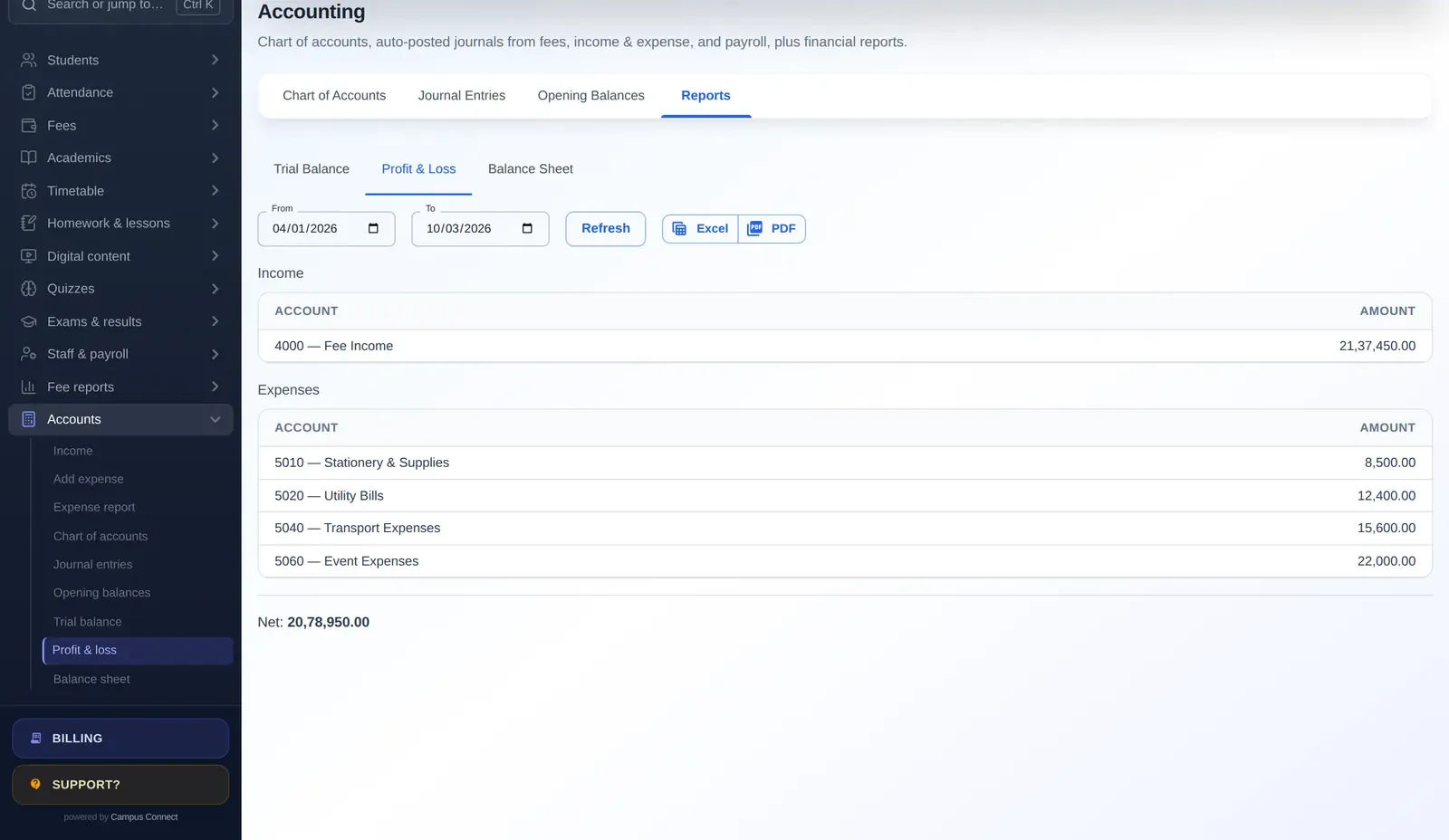
- Income and expenditure.
- Academic results.
When every branch uses the same system, these reports are consistent by design.
Rolling out across branches
- Pilot in one branch. Learn and adjust the standard configuration.
- Document the standard setup — fee structure template, roles, report formats.
- Roll out in waves of a few branches at a time.
- Train branch champions who support their colleagues.
- Review monthly at group level.
Governance and access
Define who can see what. Branch staff should see only their branch. Group finance may need read access to every branch’s finance reports. Use role-based access and an audit log, and review access when staff move between branches.
Parent experience
Parents notice consistency. When every branch uses the same app, families with children in different branches, or who move between cities, get the same experience — with each school’s own name and logo.
A group review meeting that works
With every branch on one platform, a monthly management review can follow a simple agenda: each branch’s enrolment and new admissions; attendance trends for students and staff; fee collection against plan and the age of outstanding dues; income and expenditure for the month; and one academic highlight or concern. Because the reports come from the same system in the same format, the meeting focuses on decisions rather than on reconciling numbers.
More questions
Should every branch have the same fee structure? Not necessarily. Many groups standardise the framework and policies — heads, installments, concession rules — while allowing amounts to differ by branch. Decide this explicitly and document it.
Can branch principals see other branches’ data? Generally they shouldn’t. Each branch should see its own data, while group management sees consolidated or comparable reports. Role-based access makes this straightforward.
How do we roll out to many branches? Pilot in one branch, document the standard setup, then roll out in waves. Each wave goes faster as the playbook improves and branch champions support one another.
Key takeaways
- Decide in writing what the group standardises and what each branch decides.
- Run every branch on one platform, with each school’s data kept separate.
- Give management the same reports from every branch, in the same format.
- Pilot in one branch, document the setup, then roll out in waves.
- Use role-based access so branch staff see only their branch.
- Give families the same app experience, with each school’s own name and logo.
- Review access whenever staff move between branches, and keep an audit trail of important actions.
How CampusConnect helps
CampusConnect is built to run many schools on one platform. Each school has its own data, login page and logo, and can use an optional custom domain; requests are scoped to each school, with automated tests for that isolation. Platform-level accounts for school groups can create and manage the schools they own, within configurable limits, and billing and invoices are per school. Every branch gets the same modules, reports and apps. See CampusConnect for school groups.
Book a free demo to plan a group rollout.